Quick Start
1. Installation
2. Usage
Note
result.vis() downloads the font required for visualization on first use. In an offline environment, omit this line or configure font_path in advance.
3. View the visualization result
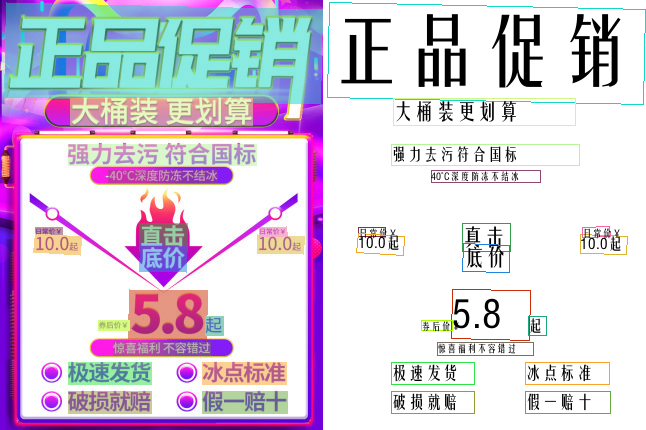
4. Inspect the result
result is a RapidOCROutput data class. The most commonly used fields are:
| Field | Type | Description |
|---|---|---|
boxes |
np.ndarray |
Four-point coordinates for each text line, shaped (N, 4, 2) |
txts |
Tuple[str] |
Recognized text, in the same order as boxes |
scores |
Tuple[float] |
Confidence score for each text line |
elapse |
float |
Total inference time in seconds |
See the usage guide for the complete output structure and stage-specific results.